
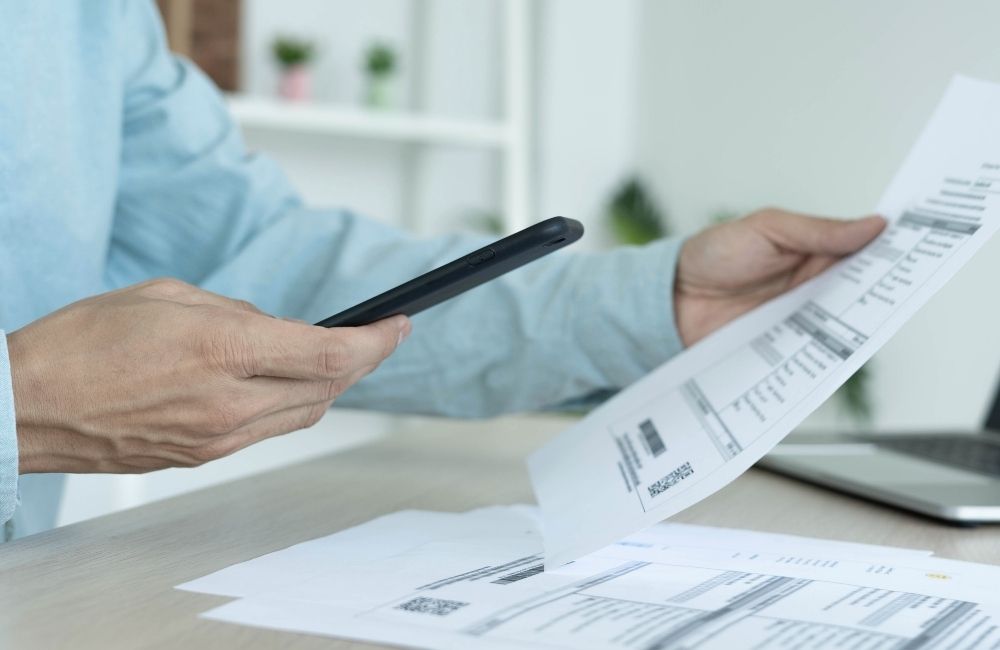
For the finance department, it’s a familiar challenge: following up on outstanding invoices. Customers who forget to pay, unclear payment instructions, and a variety of payment methods all mean the process demands a lot of time and attention.
In this blog, we explain how to get invoices paid faster and more securely, what role digital payment links and QR codes play, and how to make your workflow more efficient.
The problem with traditional invoicing
A standard invoicing process is often complex. Invoices are sent by email or post and need to be manually checked, followed up, and processed. Customers sometimes struggle to find the right payment details or choose a payment method that requires extra steps. This leads to:
- Delays in cash flow
- Additional work for the finance department to verify and chase payments
- An increased risk of errors or incorrect payments
Long story short, a lot of time is lost chasing payments.
How one click makes all the difference
The principle is simple: make it as easy as possible for the recipient to pay. Digital payment links and QR codes help by making the payment action immediately accessible. With a single click or scan, the payment can be completed right away.
Implementing this doesn’t require the finance department to overhaul their ERP system — by using the Payment module from Advanced-Forms®, it’s straightforward to set up.
In a digital invoice (PDF) created in Advanced-Forms®, a payment link can be embedded directly. For physical documents, a QR code is printed on the invoice. The customer scans the code with their smartphone or clicks the link and lands straight in a secure payment environment.
This eliminates confusion and significantly speeds up the payment process.
Payment options for every type of customer
Customers have their own preferences when it comes to paying. A good payment link therefore supports multiple payment methods, so everyone can choose what works best for them. Commonly supported options include:
- IDEAL (Wero);
- Visa, Mastercard, and American Express;
- PayPal;
- Bancontact (for Belgian customers);
- Sofort by Klarna;
- GiroPay.
By offering these options, you increase the likelihood that invoices get paid sooner.
Security is another key consideration. Payment links in Advanced-Forms® are generated and processed securely, ensuring that sensitive payment information never ends up in unsecured emails or documents. This supports compliance, internal controls, and customer trust.
Practical tips for your invoices
- Always include a clear call to action. Add a QR code to every invoice with a clear message such as: “Scan to pay instantly” or “Pay directly via this link.” This makes things even easier for the recipient.
- Offer multiple payment methods. Especially in the Netherlands and Belgium, where customers have varying preferences, it’s important that the payment link supports multiple options. This reduces the chance of a payment being delayed.
- Integrate with existing ERP processes by generating payment links directly from your ERP system and linking them to documents, all information stays centrally available. This makes processing, verification, and reporting much simpler.
 English
  Nederlands